Block Editor Updates
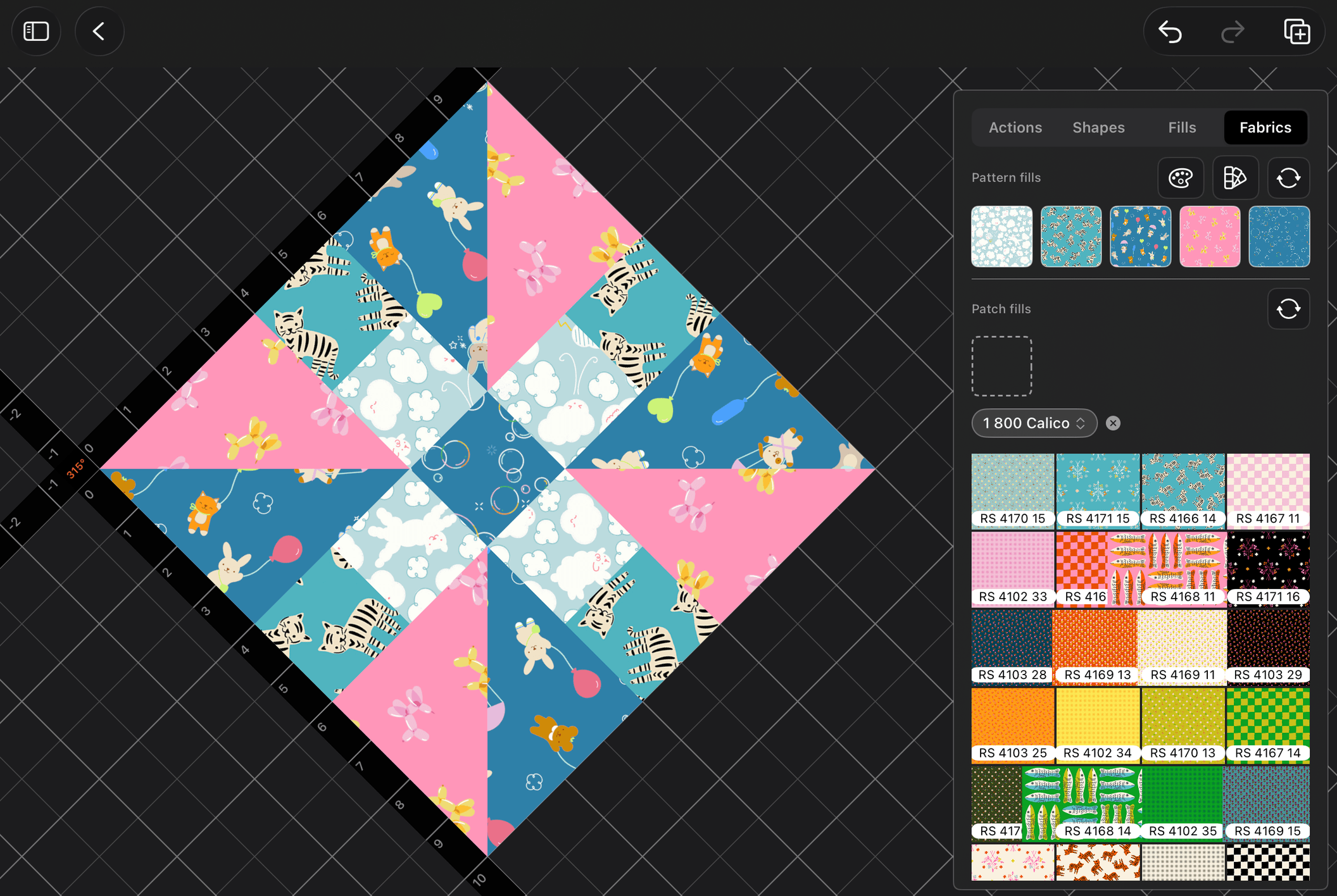
Fell in love with (another) fabric collection and have been using it during ux/ui testing, especially in the block editor. What you see above is the ability of the canvas to have any block set on-point, in case you're wanting to get a feel for how a pattern would look in an on-point layout.
I Love UX When I Don't Hate It
I've been a developer for longer than I care to admit. I started out building plain HTML websites for boutique businesses, and then ended up delving into building content management systems (before Wordpress existed) for clients as well. It was this process that I first strengthened my UX chops in online application development, and I have been learning ever since.
What I love about UX is that when done well, it is a beautiful thing to behold. What I hate about UX is getting it to the level of being done well. When the UX stays out of your way during creative processes, you know you have finally gotten it to a good point. That has always been one of my goals with BloqLoft.
BloqLoft should never impede a user. It should only always inform.
In other words, if you size a block pattern to be very small, making each patch 1/2" square, BloqLoft won't stop you. It will, however, put a small alert icon letting you know that you might be in for a more challenging time, if you decide to keep the size at that scale.
Block Editor is a UX Goldmine
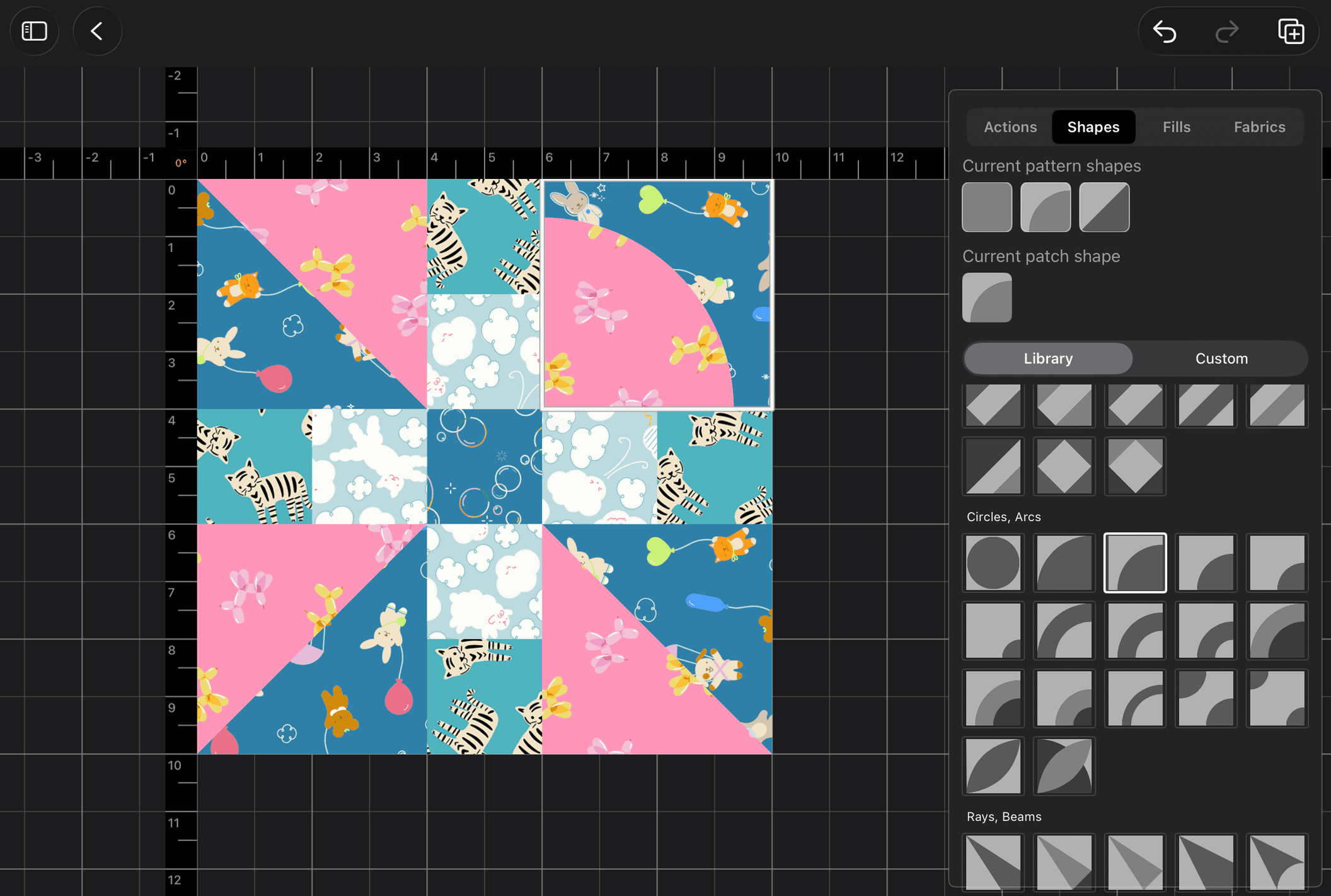
When I first started working on BloqLoft, I immediately gravitated to working on the Block Editor. In my mind, a quilt is, quite often, simply a collection of the same or similar block patterns, repeated in alternating or completely different colorways. The actual block pattern, in many traditional quilts, is the same. Working on the block editor first and making it shine seemed logical.
What I did not know is that it would soon become a sort of opus magnum of mine.
UX for Touch
The Block Editor started with simple taps for every single thought and action. It sometimes took as many as four taps to change one fill on one patch.
Now, it has combo gestures, dual-gestures, sequence-recognition, context-recognition, and state awareness.
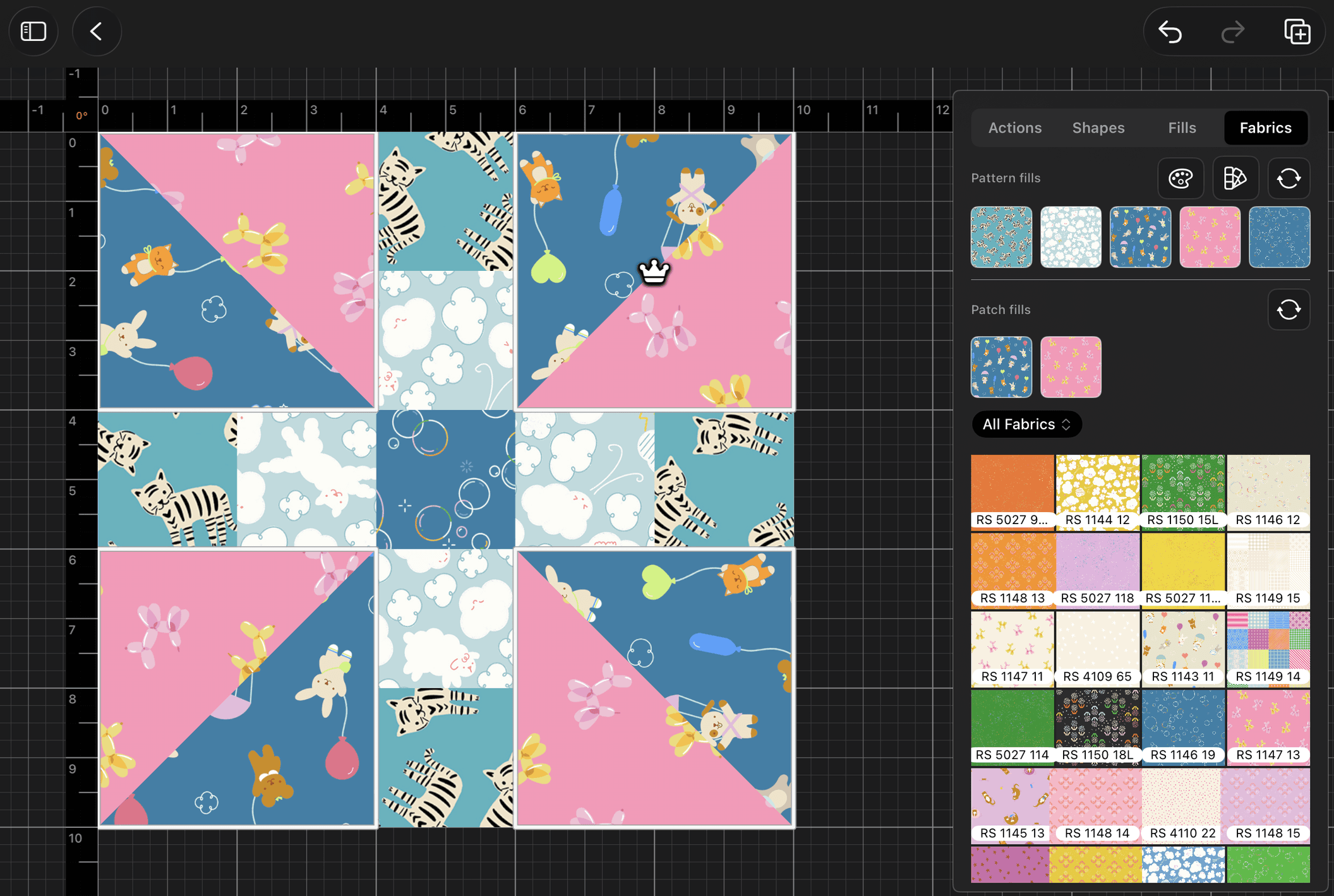
For example, my favorite addition to the gesture repoitoire is an initial single-tap on any currently unselected patch, followed by a two-finger tap somewhere near the patch that was just single-tapped. The result? All patches that have the same shape and fills as the current prime patch aka The Patch Queen - the one with the crown - are now selected as well. The user is then free to edit all of them as a group, to rotate, change the shapes, or change fills in that group selection, making wholesale changes simple and easy to implement.
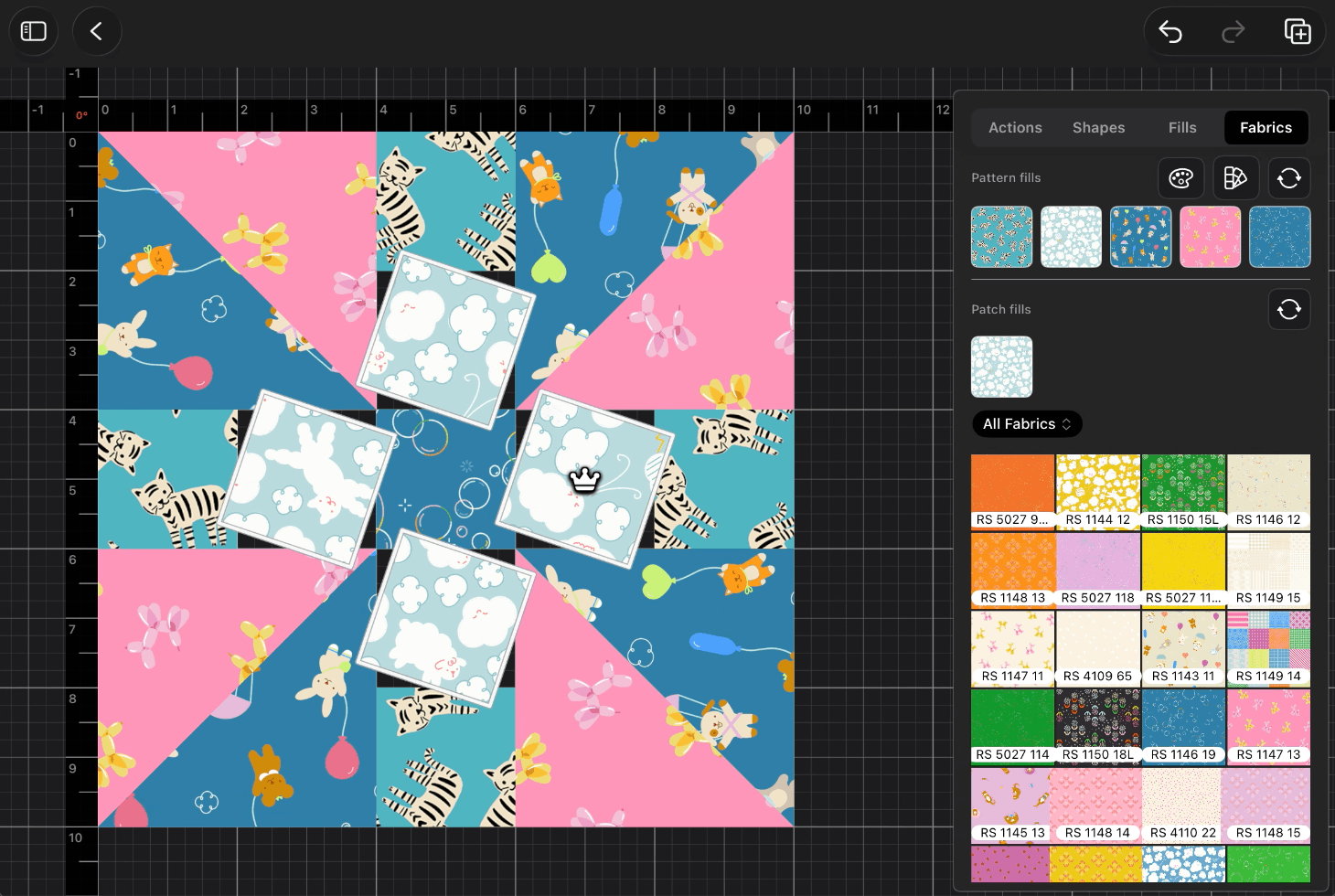
UX for touch brings certain challenges to the developer (me), but if you can learn to harness it, and work with what we as humans tend to do naturally, it can open up a world of interactive fun.
Special Options
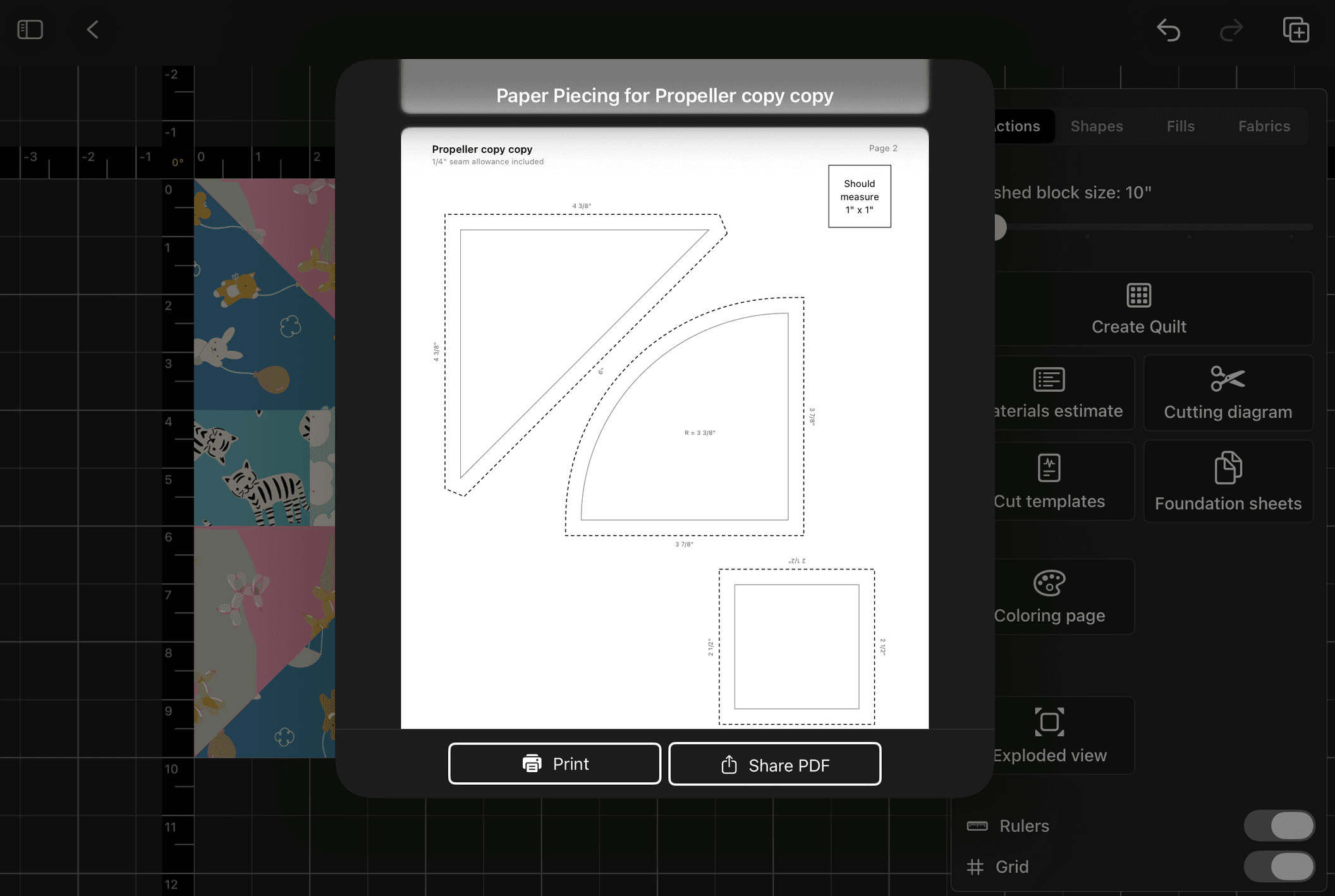
It was hard figuring out what to do with buttons for things like printing, material estimates, cut diagrams and the like. I finally settled on a slightly generic, but capable title, "Actions", and it is serving us well.
Actions is generic enough that it doesn't pigeonhole me into a specific channel of thought. If I had labelled it "Export", or "Print", then users would only go there for those exact abilities. Actions, however, leaves room for discovery.
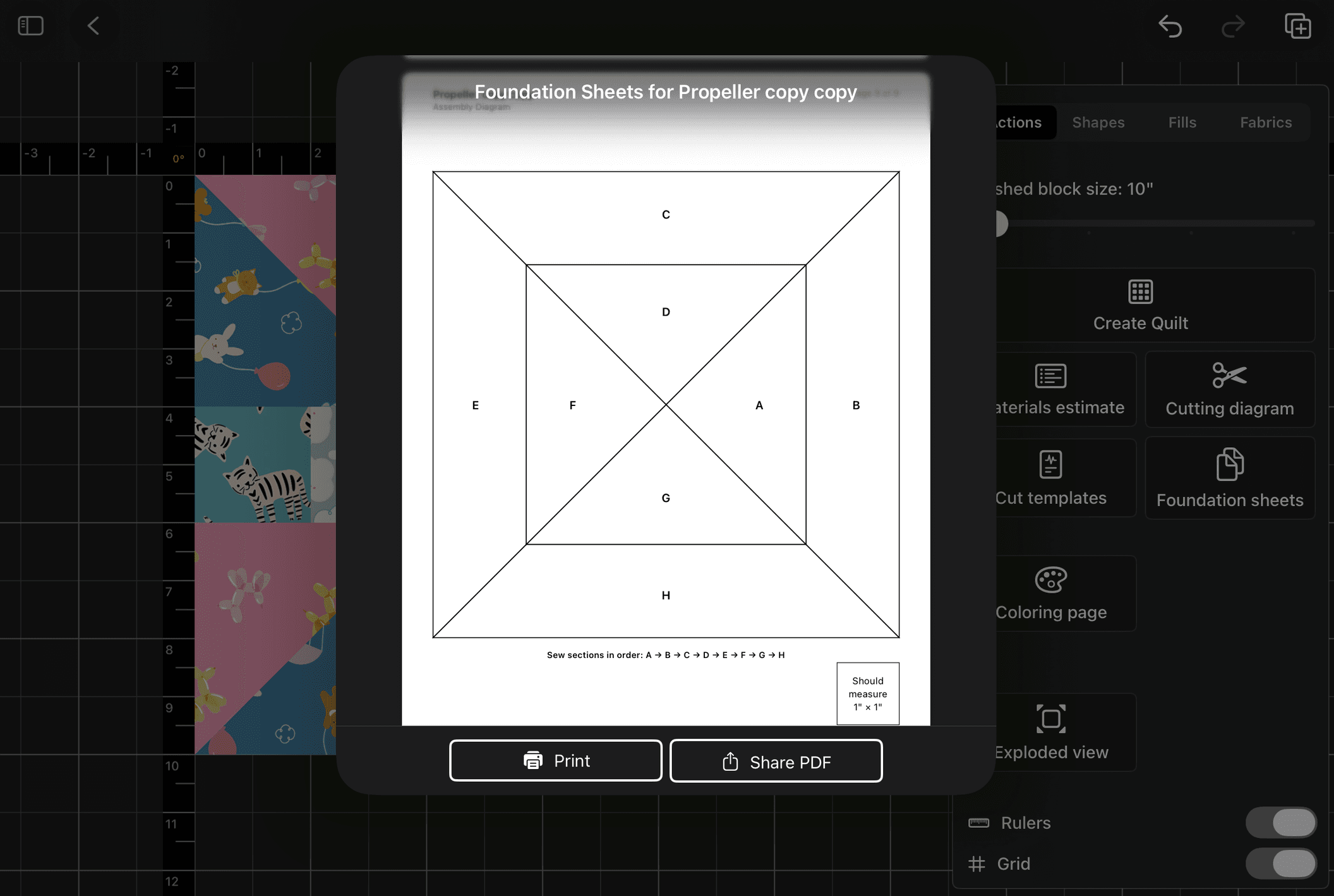
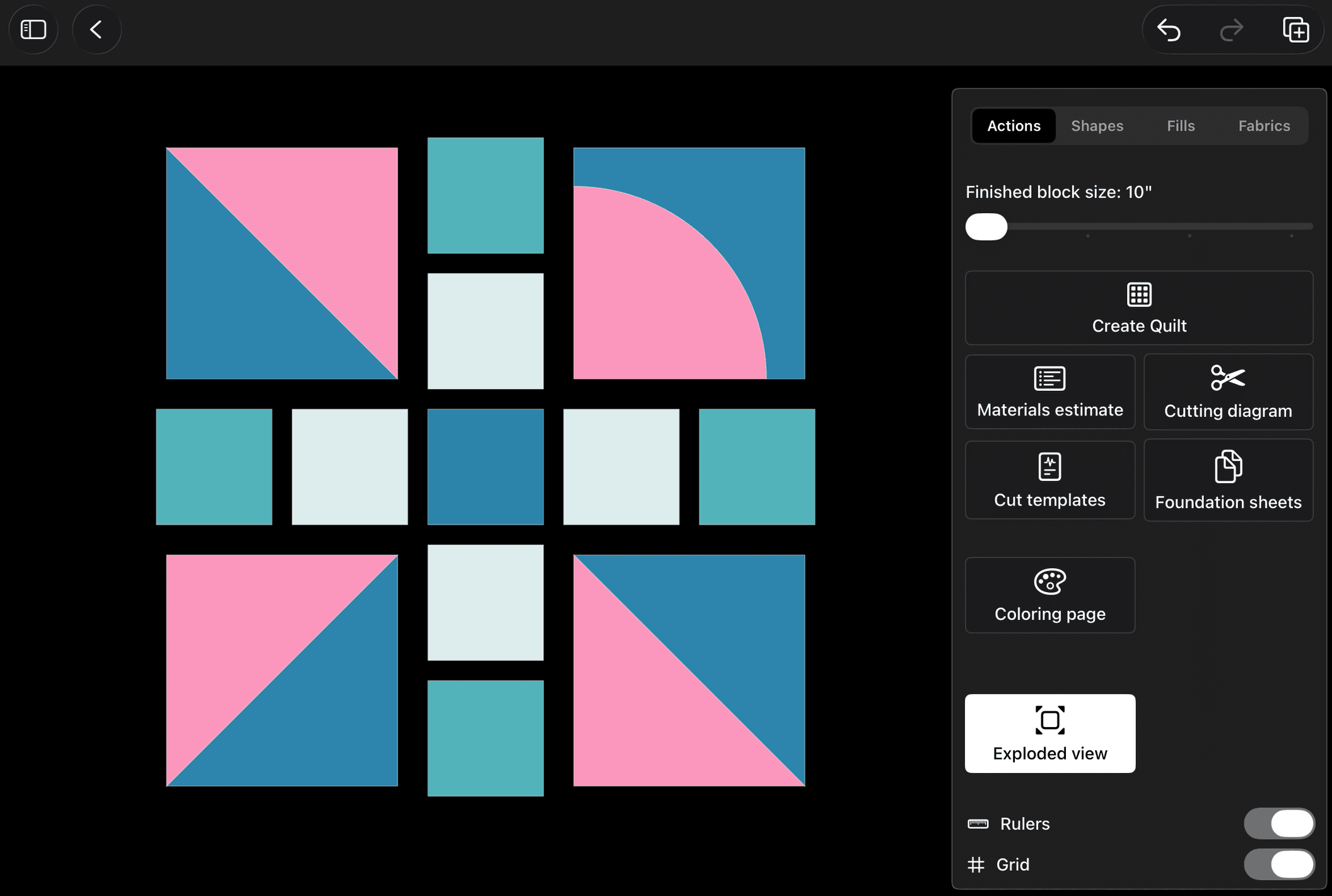
And so the user can discover that actions can show an exploded view of the pattern so they can realize which patches are which, how they join together, etc. but also actions is where they will know to go when they want to print out cutting templates, or check out how their material use is adding up with a pattern resize, or using more of a particular fabric.
Details Matter (it's the "little" things)
I take pride in thinking of the little things that might help make the experience that much more enjoyable. After all, quilt designing should be fun, or meditative. One example of detail that was implemented is when using the Exploded View option, if the user has fabric fills in the patches, the exploded view will simply take the average color of those fabrics and use them as simple fill colors for the exploded view.
Leaving the exploded view to render in neutral colors was jarring - especially if transitioning from bright colors in the non-exploded view. Making the exploded views fills at least somewhat match what the fabrics look like in hue and tone helped bring cohesion to the transition process.
Another small ux detail is that in nearly any grid layout view in the application, there is an available pinch/zoom gesture that users can apply to show grid items smaller or larger than their default sizing.
Speaking of pinch and zooming, the invisible but always watching canvas has zoom triggers built in so that as a user zooms "closer in" to any block pattern, the grid lines denoting subdivisions of inches in measurement either appear or disappear, helping define smaller units of space while they are scaled up in size. Zooming out, causes those same lines to fade away, leaving plenty of room for the larger unit grid lines to have reasonable space between each other.
What Remains to Be Completed
There is still much more testing to be done in the block editor. And what remains to be done are things like interface highlighting adjustments, making sure materails estimates are correct and clear, finessing the layouts of cut templates, and finally, once the module is hooked in and connected, checking foundation paper piecing for logic misses and gaps.
There will be additional gestures and abilities that will be added, such as resize handlers on patches so users can resize a square into a rectangle, or an HST into an elongated triangles rectangle, and so much more.
However, what is clear is that the Block Editor is effectively MVP ready, and so therefore is ready for the Beta team to take over and run it through its paces.