A Little Show-n-Tell
Some Things I'm Proud of in BloqLoft
From the beginning, there have been core attributes and key features that I wanted to make sure was part of the BloqLoft build. I thought I'd share some of what those are, why they matter to me, and how I hope everyone finds either satisfaction, delight or relief in them.
Auto-save (all our creative souls)
I cannot, for the life of me, understand how we are making any application in this day and age, the Year 2026, without auto-save as a basic, core feature.
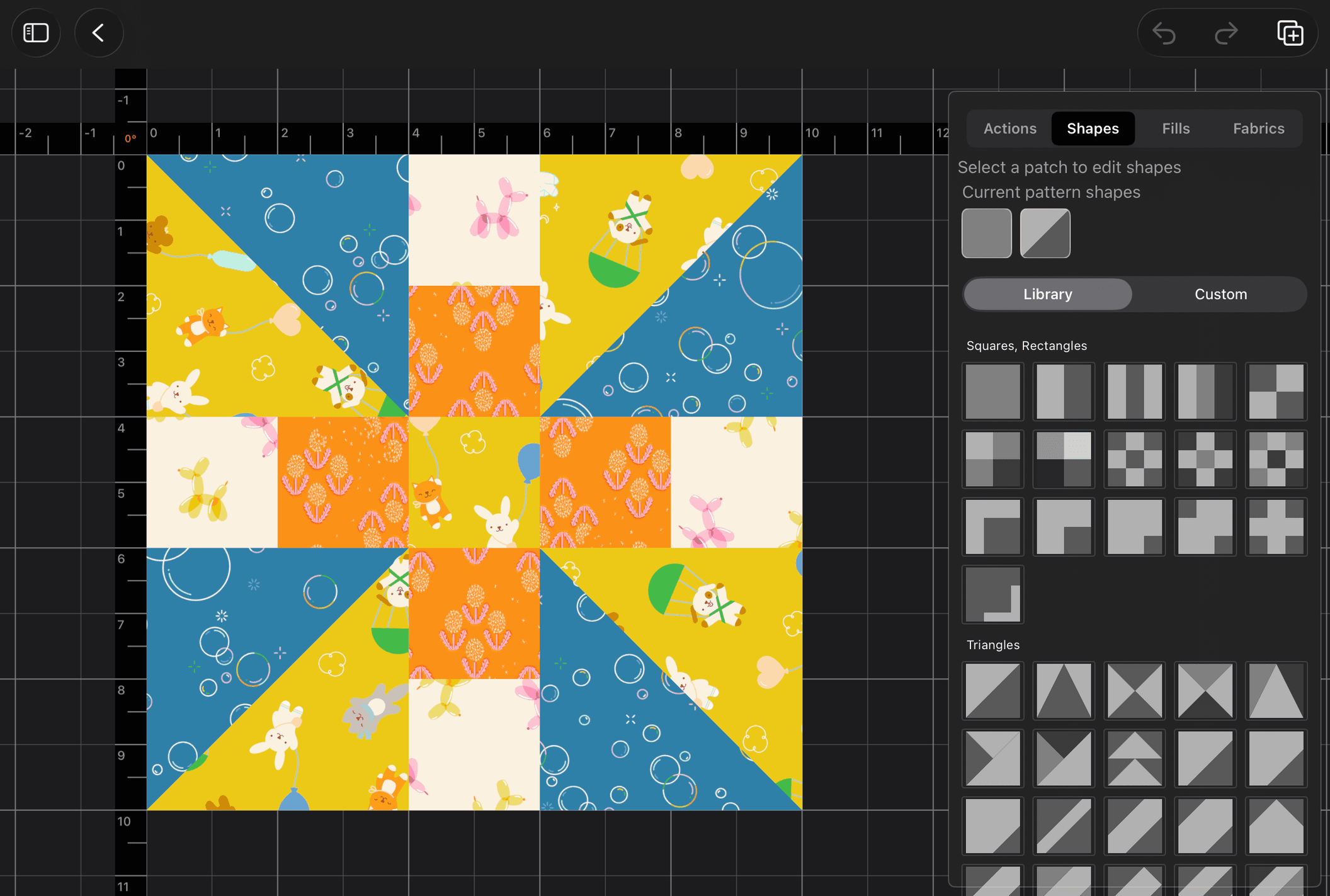
I am human, or, at least my wife somewhat believes me when I say that. I am assuming everyone using BloqLoft will be a human as well. One of the things I have learned as a human is that prevention is so much more enjoyable than repair.
So when it comes to the creative process, I have (and continue to do so) put into place auto-save captures in such a way that if you forget, if your battery dies, if you suddenly have to drop everything to go do the thing you forgot, if someone else uses your gear and closes the application, if ... if.. if... whatever the case may be, I hope all the fallback hooks I have in place helps anyone get back to where they were with as little pain as possible.
Make Fabric Shine
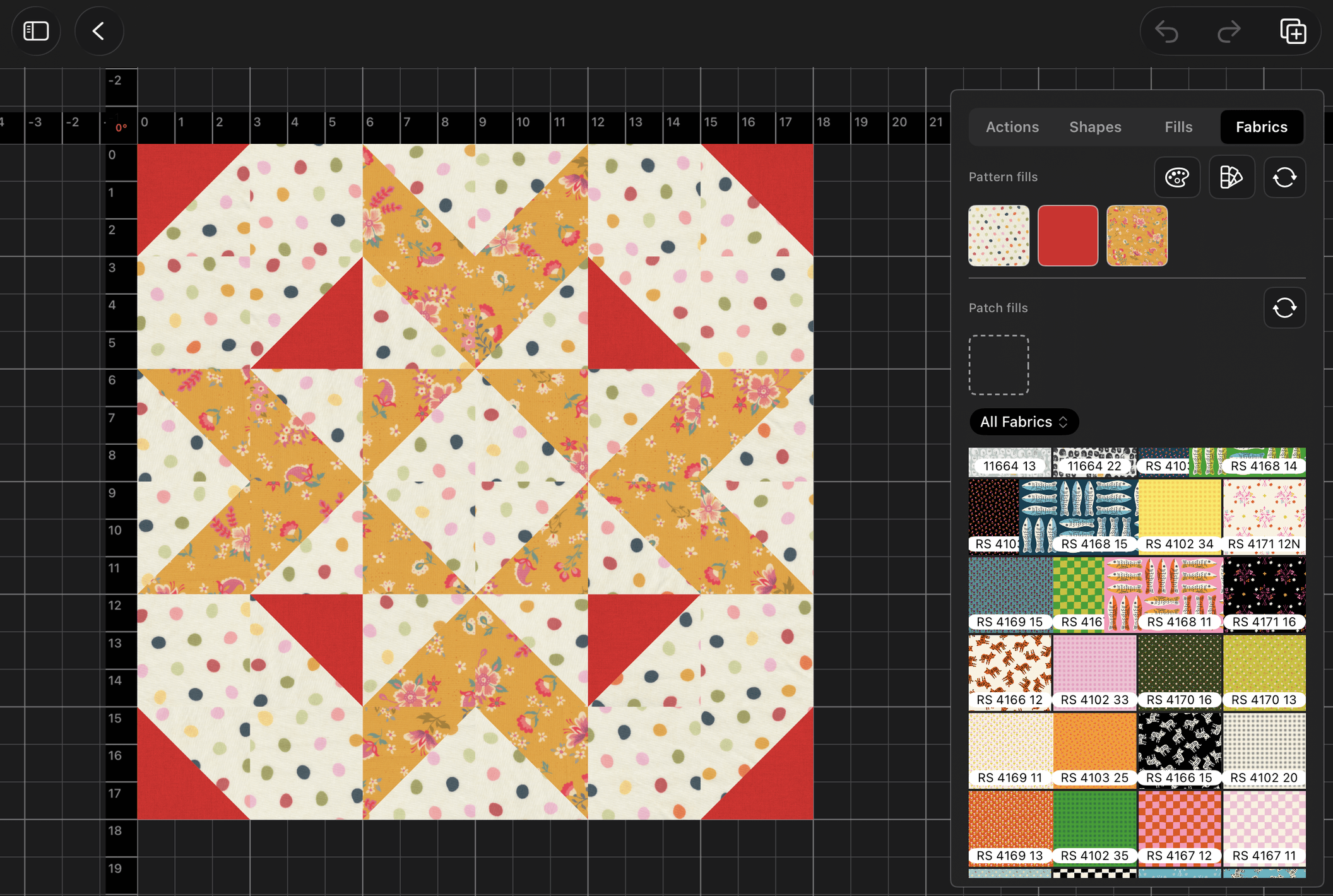
Fabric, obviously, is more important than life. Its texture, its pattern, its vivid hues (or muted, I can't tell you what to use) are all part of the glory that is quilt design. Without some of the great designers and creatives we have providing us with fabric vision we could never compose ourselves, I would probably be a little bit more sad.
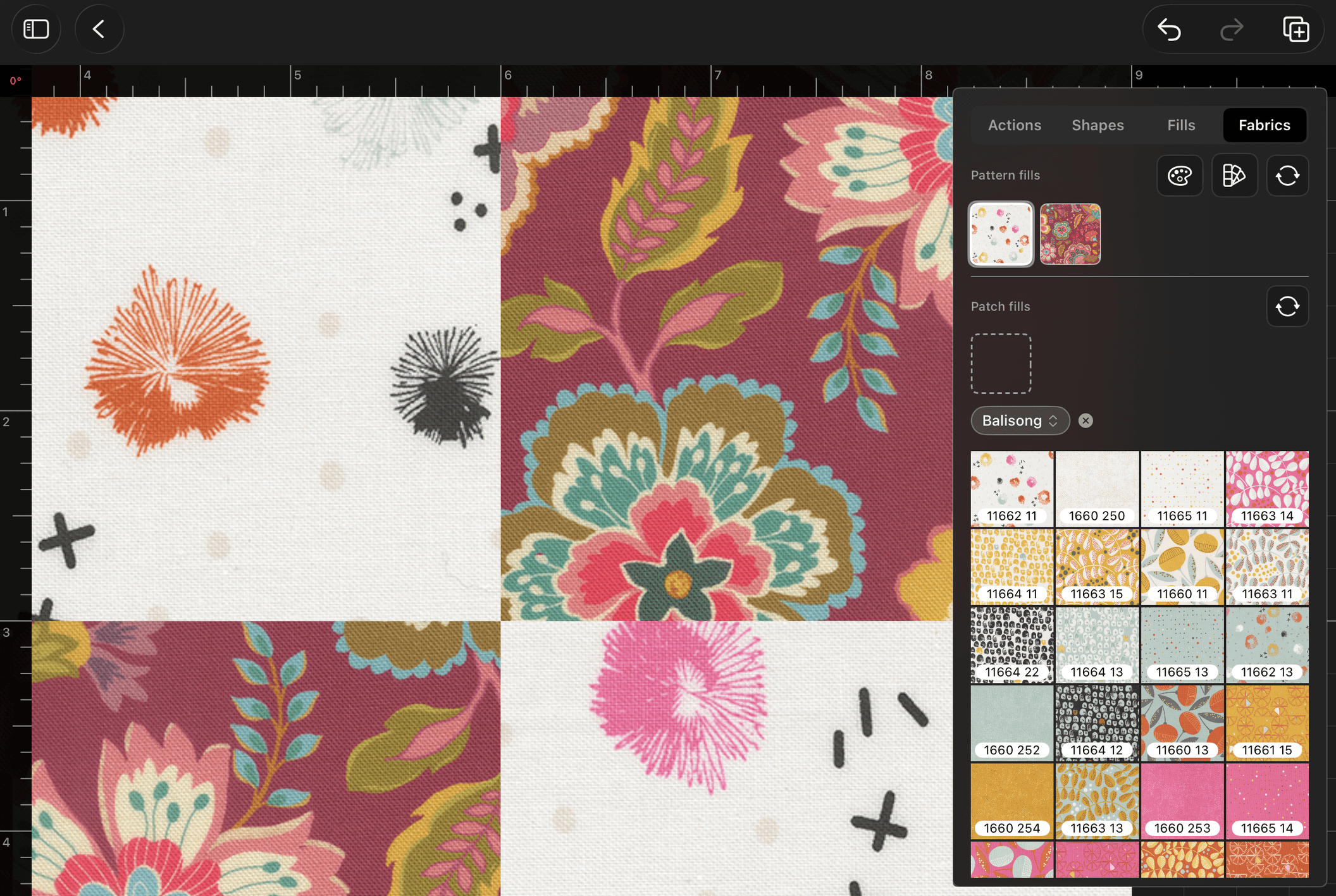
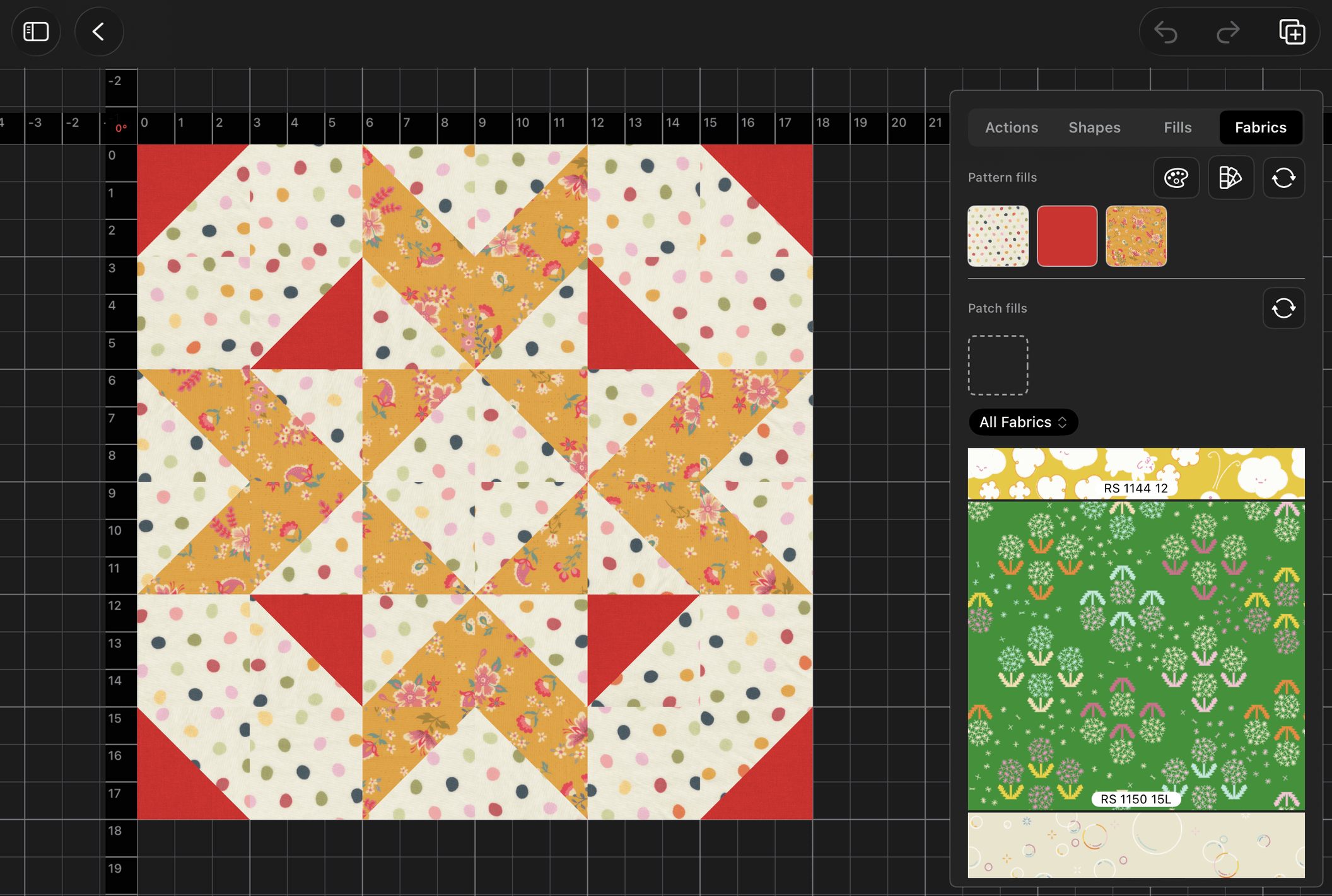
But I'm not, and I am making sure that whatever fabric you import into BloqLoft will shine. The texture of it, the print, the colors - every bit of our rendering engine is tuned to make sure fabric appears as glorious as it can in real life.
Furthermore, to help any new user get off the ground running, BloqLoft will come with hundreds of solids color swatches installed from the big names you know and maybe some smaller ones too, for balance. Whatever we land on for our first version, what we have done is make sure that all of those colors have at least some sense of texture, so that they look great alongside the custom print collections you decide to import along the way.
Keep it Super Simple to Get Going with a Quilt Design
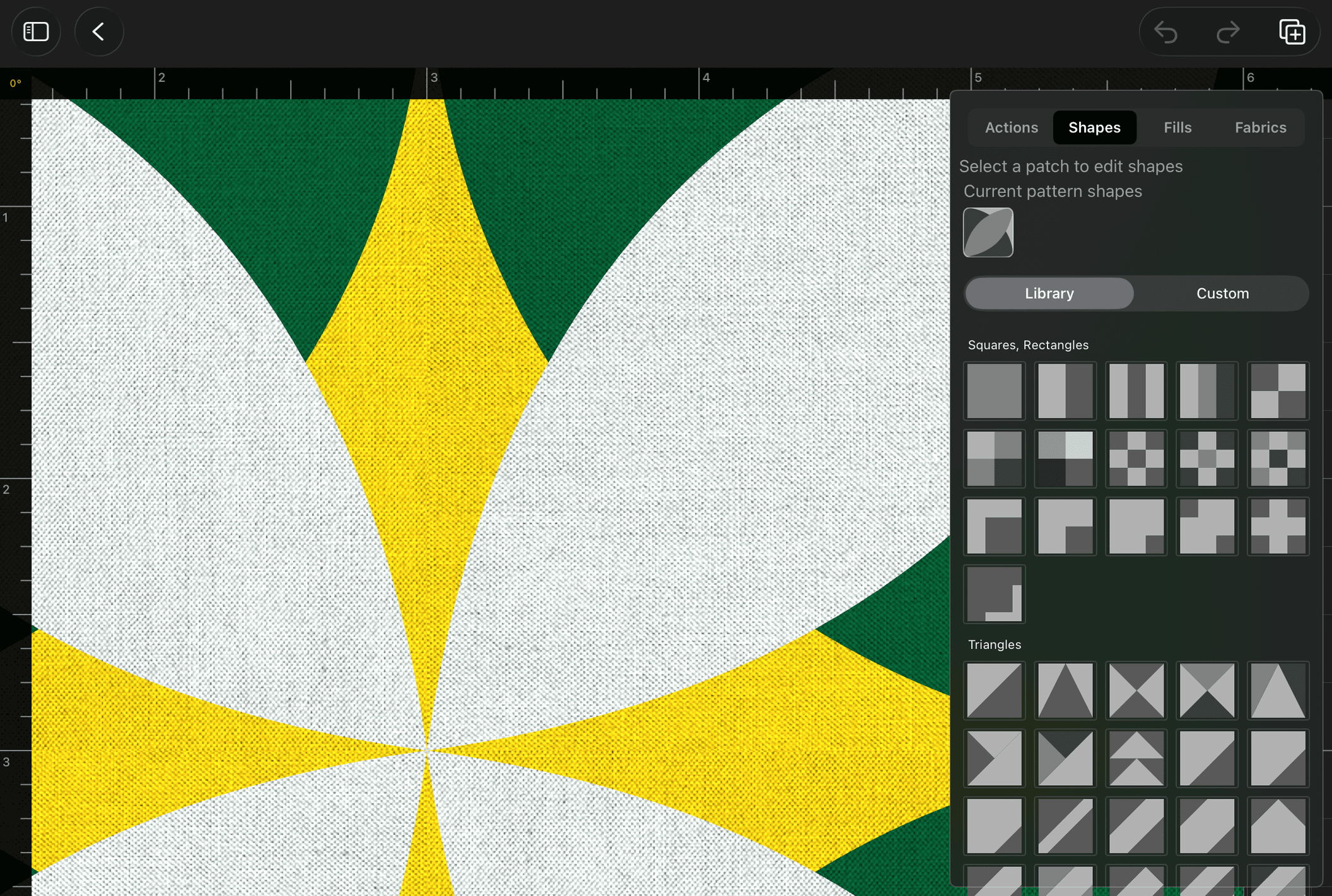
Another one of my main goals with BloqLoft was to make it dead simple to get started with a quilt design. I watched far too many YouTube videos, tutorials, read too many multi-multi-step how-to's for different platforms and software packages than I care to remember. And frankly, many of them just left me tired. So I made an effort to make starting out with a quilt design as simple as possible.
You can have a base quilt design generated for you in as few as three taps. For example:
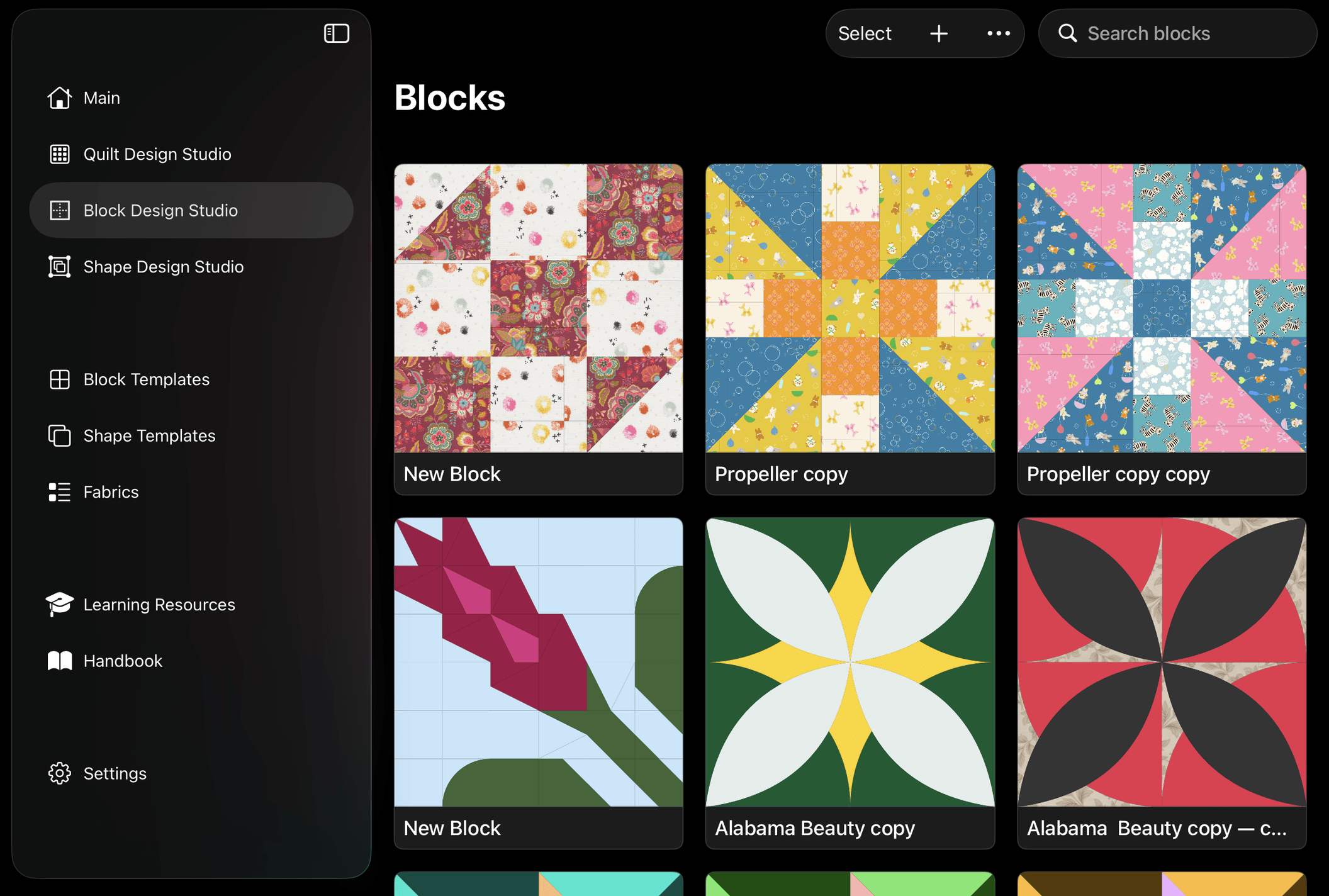
- Block Templates (1 tap), scroll, pick a block pattern (2nd tap), hit the "Create Quilt with Block" (3rd tap) - and then you'll be transported to Quilt Editor with a standard quilt with that block populating each block slot, ready to use.
- Block Design Studio (1 tap), long press any block pattern (2nd tap), and a contextual menu pops up (Apple-standard iPad gesture); select "Create quilt" (3rd tap)
- Quilt Editor (1 tap), hit plus sign (1 tap), figure out what type of quilt, how big, hit go - blank quilt ready to be painted with blocks (less than 5 taps)
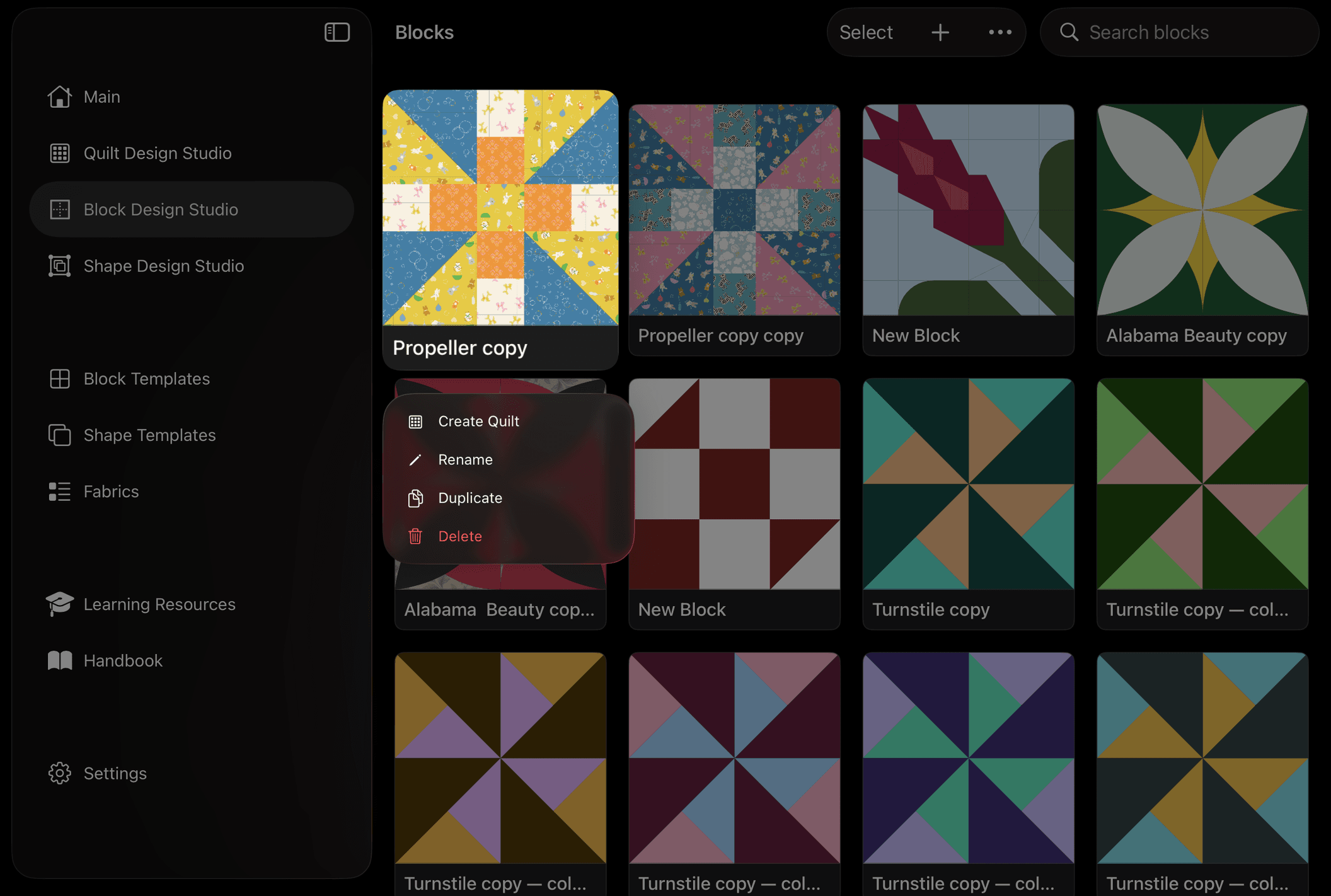
Sure, sashing is already turned on, but that's a toggle off if you don't want any, and blocks may or may not be the size you end up working with or wanting to use, but you're there, with a quilt of some form, ready to go on with the design you have in your head.
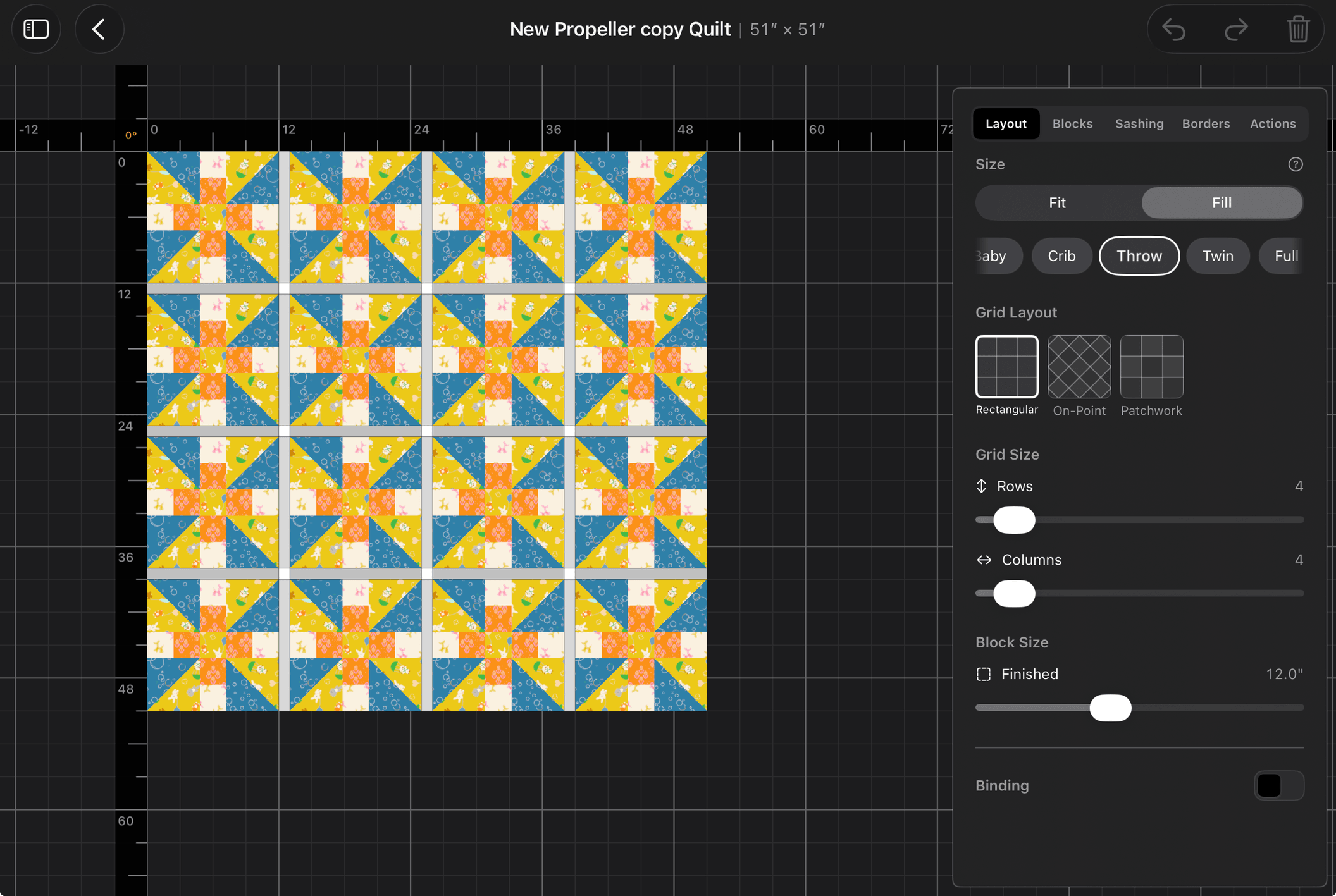
Inform User of Common Sizes / Make Re-sizing Easy
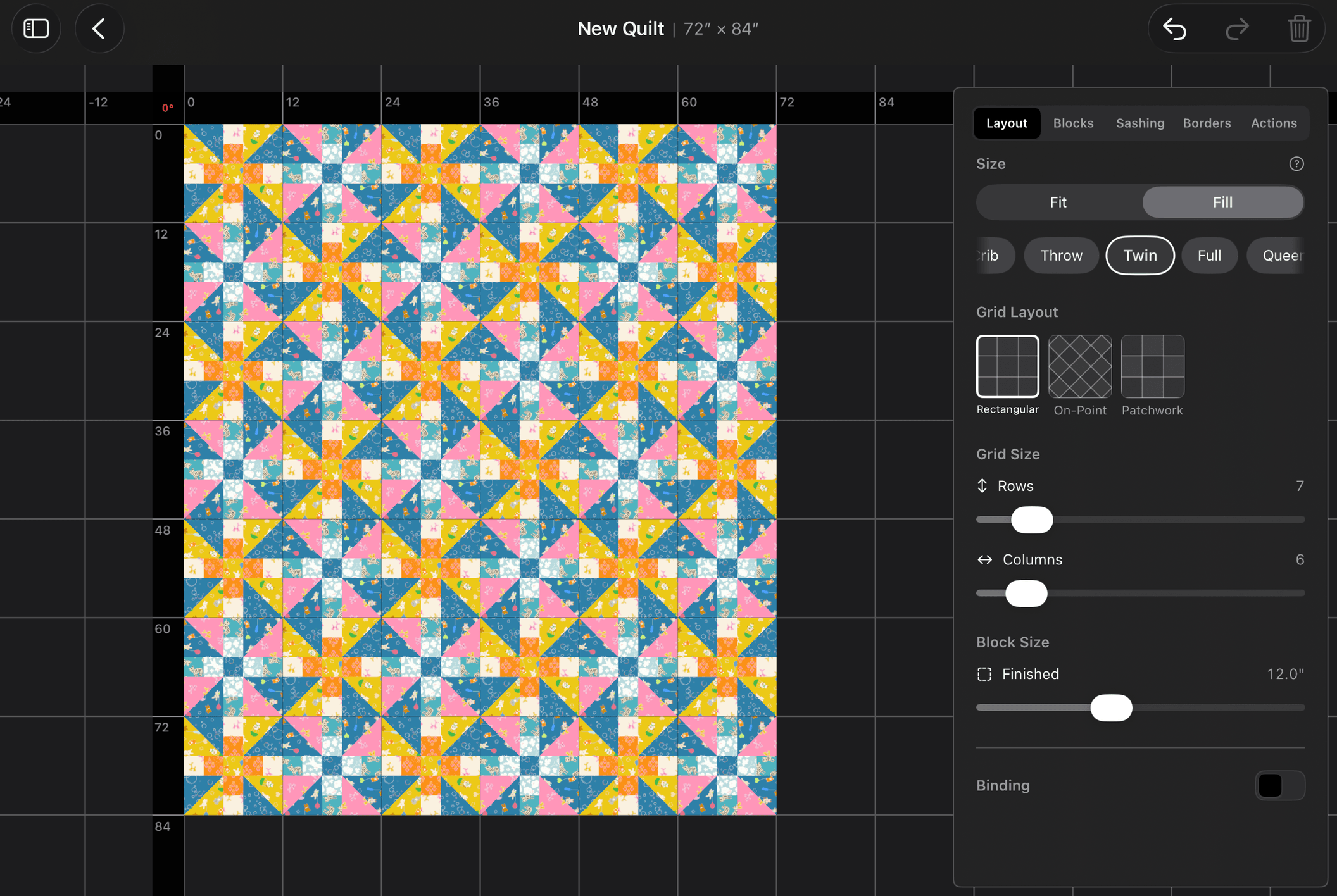
Recent addition is a ranged-size pill carousel in the quilt editor panel that updates as the user adds/subtacts rows and columns, or resizes the quilt by other means. However the user chooses to resize a quilt, the pill carousel of common sizes will update to reflect the nearest common size the quilt's size currently matches. Neat.
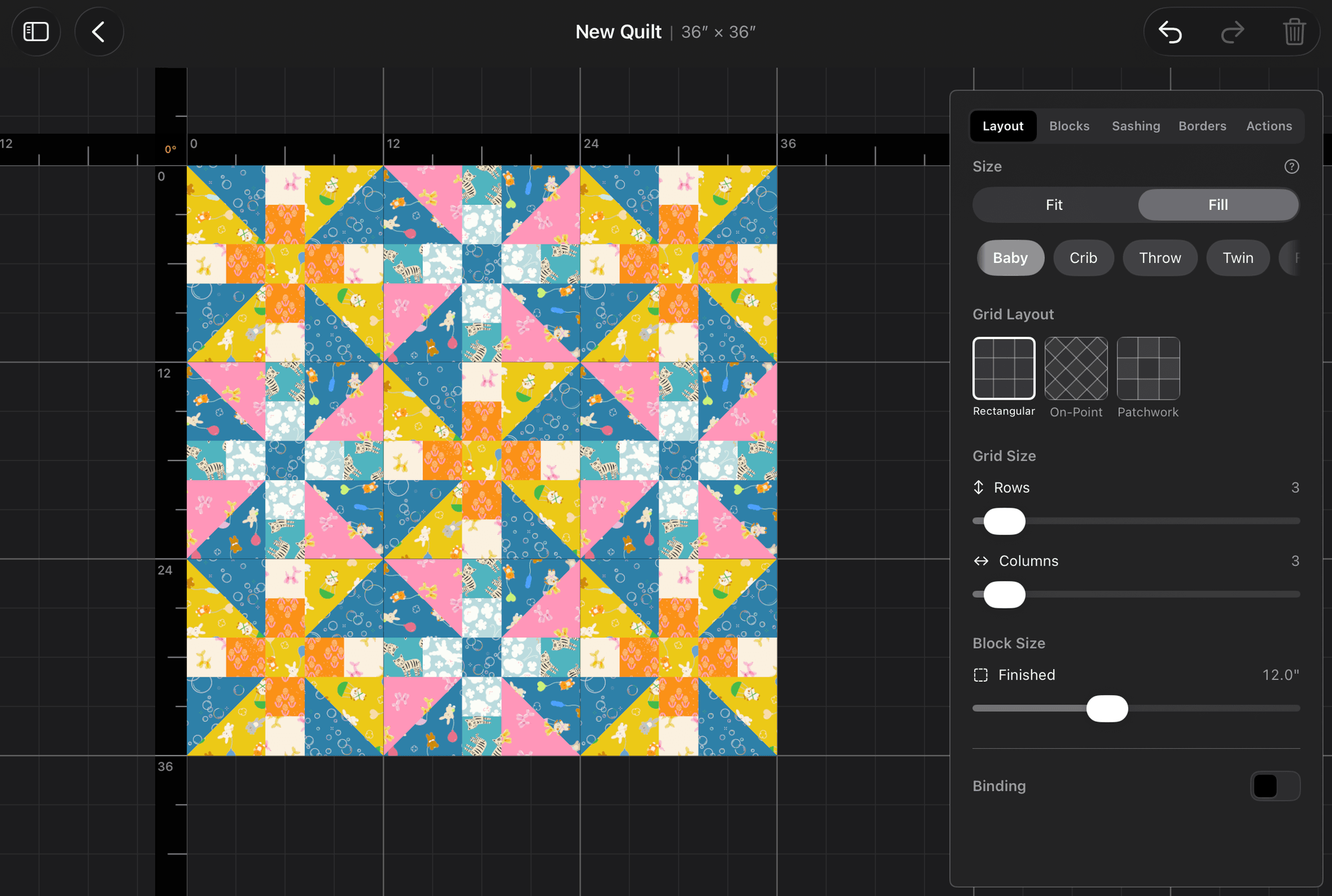
Also, it seemed laborious to have to fill in block slots with blocks already in the quilt design myself, so I added logic to BloqLoft that tries to determine what (if) kind of layout you might have going on in your quilt - checkerboard, rows, columns, diagonal, etc, and then based upon that math, populate your newly formed rows and columns with the appropriate block patterns. This way, you can pretty well see different quilt sizes seamlessly without having to do so much grunt work.
Seeing is Believing
Some of us are older, and need things to be bigger to see them better. Some of us are younger and see just fine, and they can go somewhere else for now.
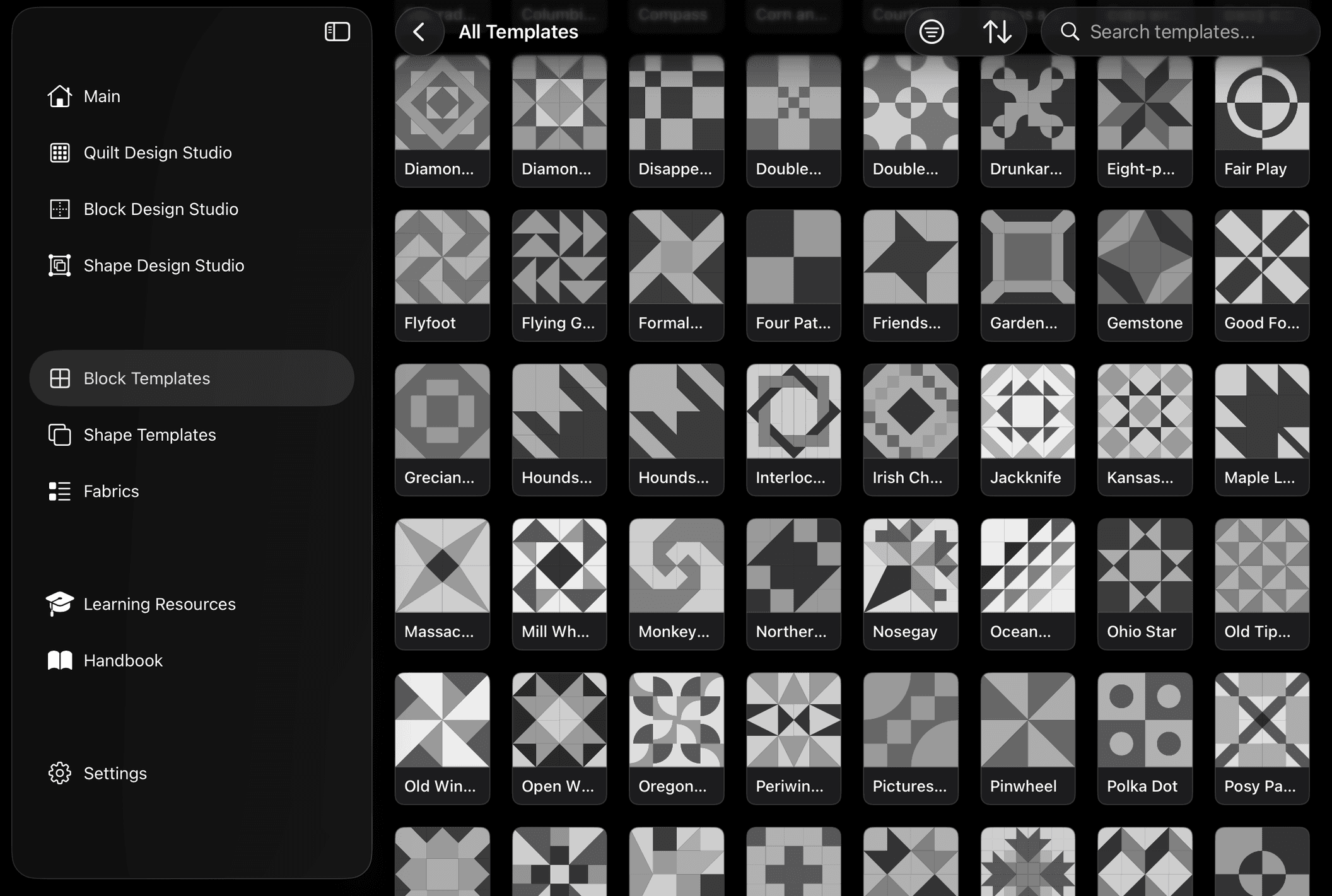
Being fully aware that the demographics of the active quilting world remains skewed towards our more life-experienced humans, another mechanic I have been adding into different places of the interface is ability to pinch-zoom kinda wherever there are a grid of things, in order to get a better visual on what is there. The Template Library, the Block Design Studio landing page, and even the Block and Quilt Editors are places where users will find that pinching can help them see things better, or, if their eyesight is great, and they would rather rapidly parse through more items at a time, they can un-pinch to zoom out and have even more fun!
That's all for now
I hope this helps give some insight into some of the mechanics, priorities, and built-in capabilities that BloqLoft has to offer. As I have built, I have tried to balance what I hear from quilters I know, what I see online in comments and have heard at quilt shows, and what my own vision has been for the product. Oh, and also make it so that Apple stays happy and thinks it's great and puts it on their Editor's Choice list; that'd be nice.